SnipMagic tools
Practical image tools for fast browser-based edits
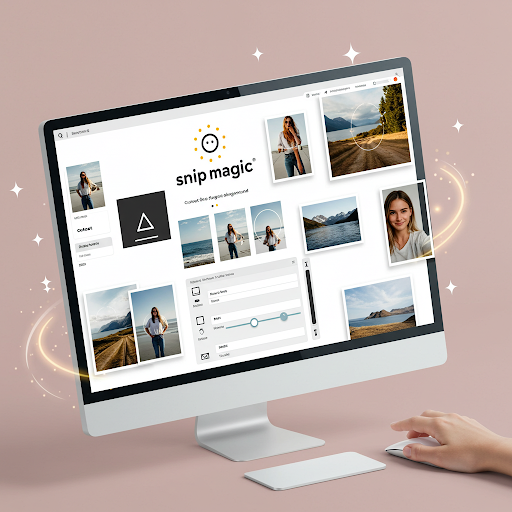
Crop, resize, convert, merge, remove backgrounds, and prepare avatars from one lightweight workspace.
 BeforeTransparent
Cut out image backgrounds with AI and download a transparent PNG.
Open tool Crop area
Select an exact crop area, preview the result, and export the final image.
Open tool 1200 x 900
Resize images for websites, documents, avatars, and social media posts.
Open tool
Convert images between browser-safe formats such as PNG and JPEG.
Open tool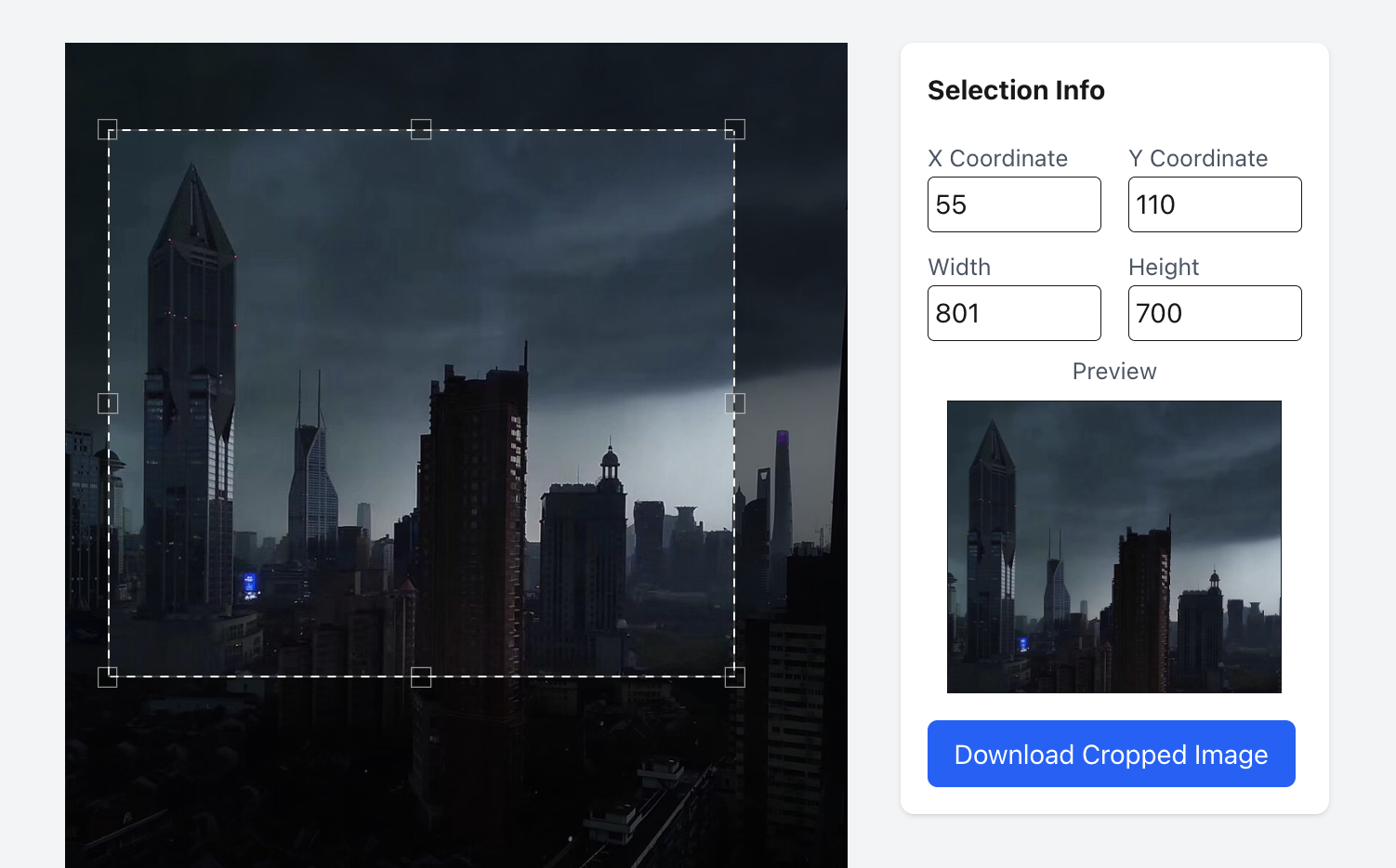 Image A
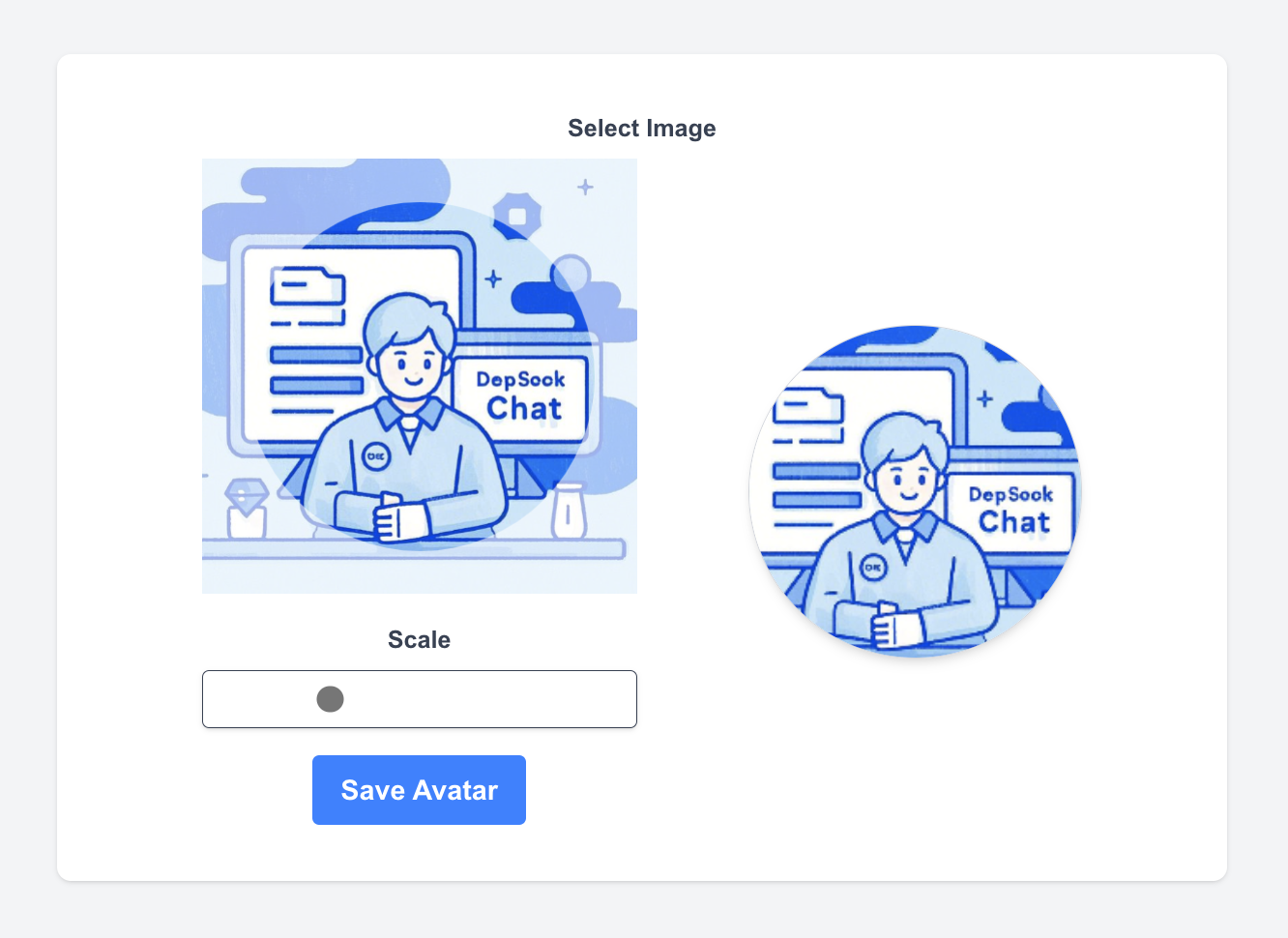 Image B
Place two images side by side or vertically in one clean export.
Open toolCrop area
Create centered profile pictures for social platforms and account pages.
Open toolBrowser-first processing
Most edits happen locally in the browser, so common workflows stay fast and private.
Focused single-purpose tools
Each page is built around one task, with upload, preview, and download kept close together.
No design software required
Use SnipMagic for everyday image cleanup without opening a heavy editor.